

.svg)

Explore Library projects
You can explore the Library by navigating blocks and subcategories, opening any report, and using search & filters to focus on what matters to you.
Search by block and subcategory
- Open the Library.
- Select a Block (e.g., Technologies) → choose a Subcategory (e.g., Emerging Technologies).
- Browse the list and open any report to see SCOUT‑powered panels for that subcategory.
You can search reports directly by typing keywords in the search bar, or filter by Technology or Sector to refine the report lists.
Open a report and get insights
SCOUT Panels
Inside each report, you’ll find visualizations, and rankings. Each subcategory has a tailored set of SCOUT panels (e.g., News, Research, Patents, Companies). Panels are designed to reflect the context of that subcategory.
Read this section to learn more about SCOUT panels.
SCOUT.Assistant
SCOUT.Assistant is your on‑demand analyst. It highlights the most critical aspects of your search.
- Click the Lighthouse icon at the top of a panel.
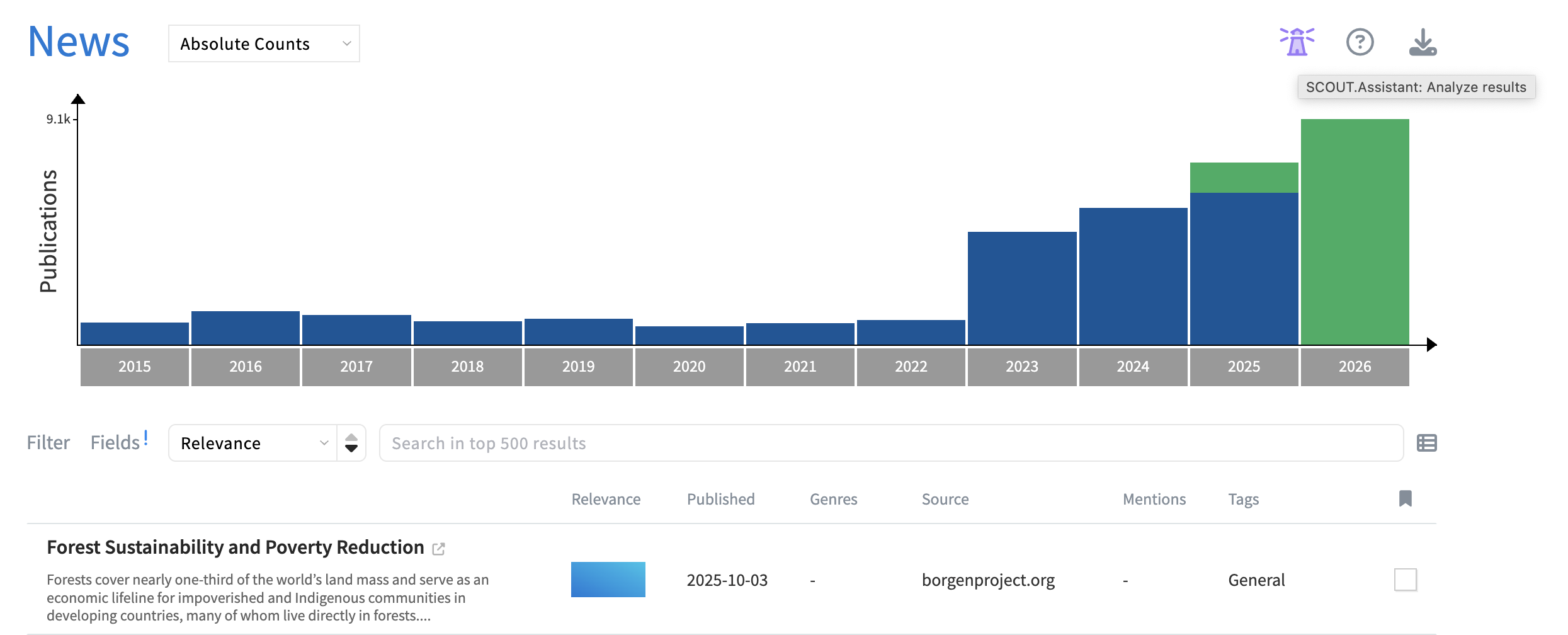
- Select your use case.
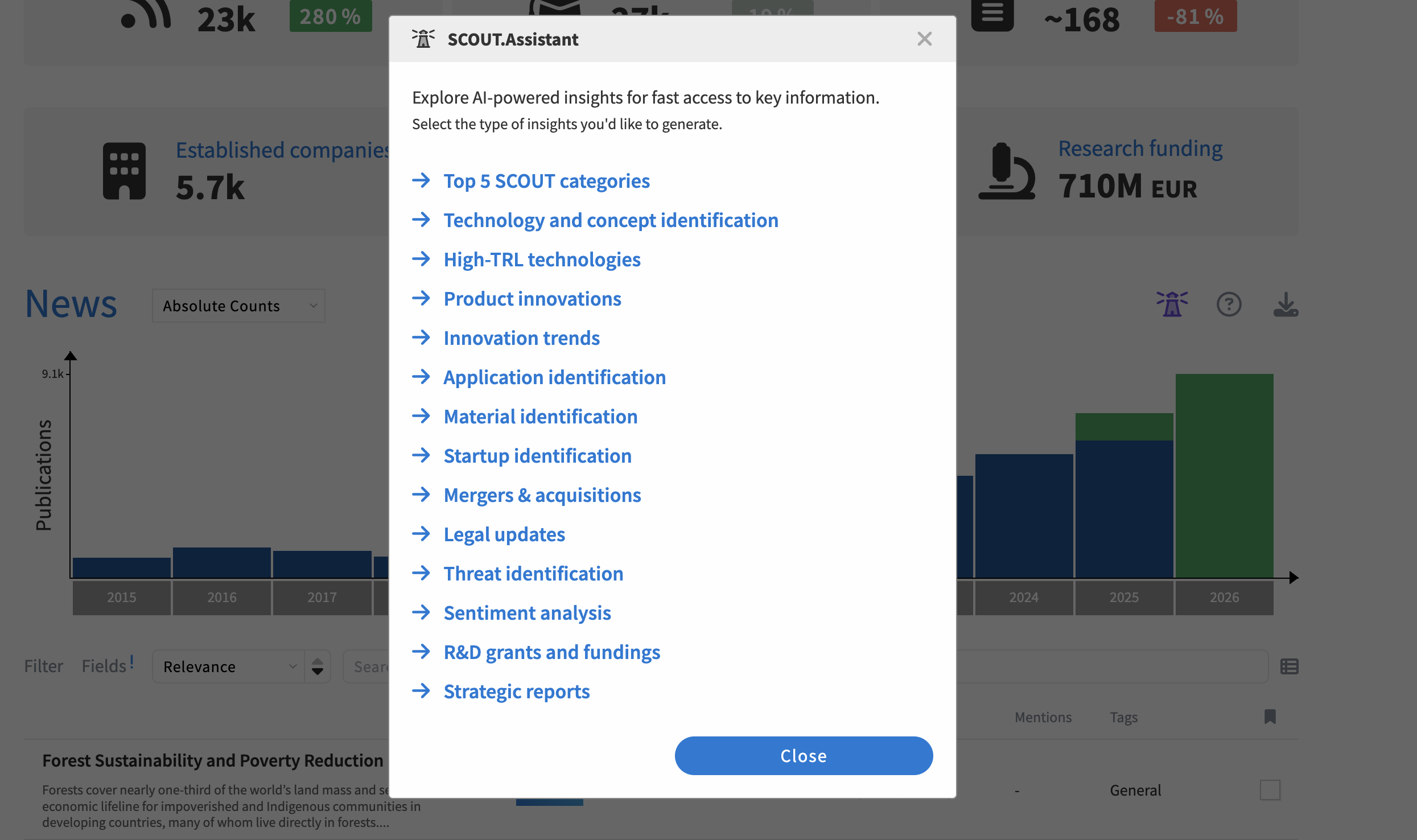
- Get a targeted analyst that you can copy and share.
Save to Portfolio & extend in SCOUT
As a SCOUT user, you can:
- Save reports/projects to your Portfolio.
- Add more panels to your reports
- Visualize, edit, and launch your query to go deeper with SCOUT’s advanced capabilities.
Related articles