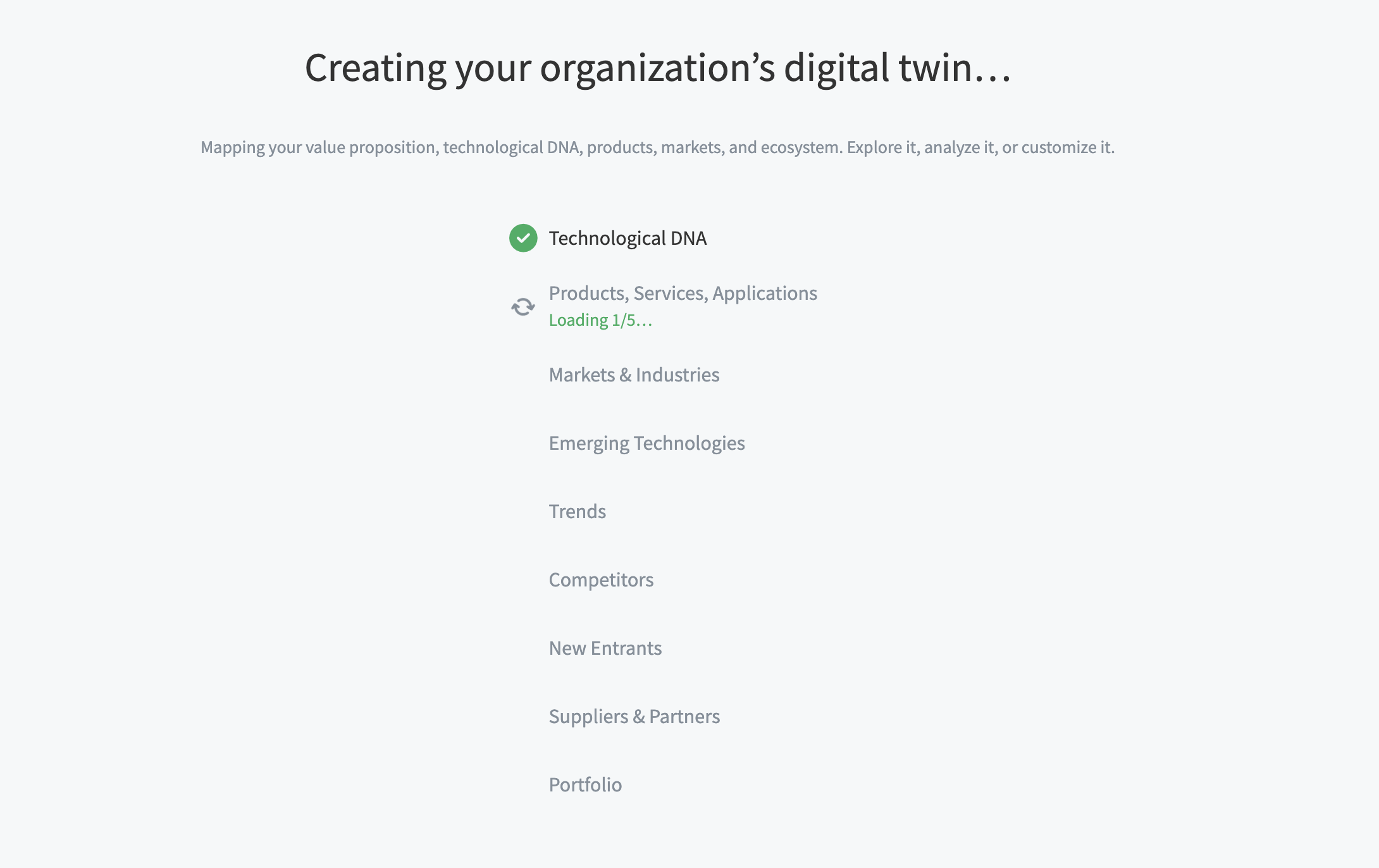
.svg)

Create your digital twin
The Create your digital twin feature helps you generate a structured Portfolio based on your organization’s public footprint.
By providing your Organization URL, SCOUT maps your value proposition, technological DNA, products, markets, and ecosystem so you can start exploring and refining insights right away.
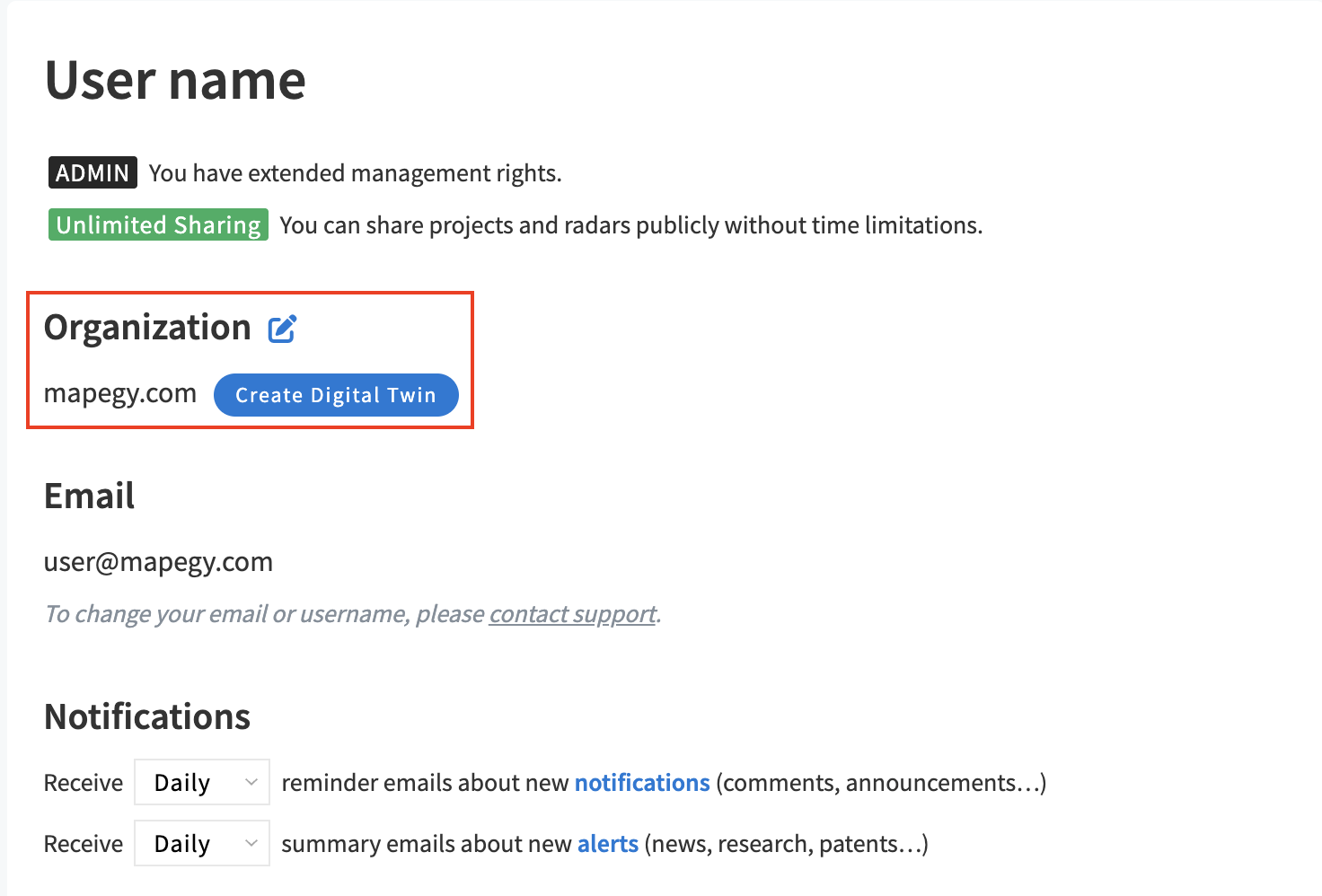
During onboarding, you’ll see the Create your digital twin step. You can also open it later via Settings (Organization section).
- Add your Organization URL (must be a valid URL). The Create Digital Twin button becomes available once the field is filled correctly.
- Wait while SCOUT builds your Portfolio. It will generate folders, projects, and content.
- All generated folders and projects are added to your user Portfolio (not to any shared group)
- You can change the URL from your Settings. Running the setup again will add new folders and projects to your Portfolio. It does not replace or overwrite the folders you already have.
Portfolio automated folders
Technological DNA
How your organization creates value. Core methods, technologies, and competencies.
Products, Services, Applications
What your organization delivers. Shows tangible outputs or offerings derived from your capabilities.
Markets & Industries
Where your organization operates. Defines the environments or industries in which you apply your offerings.
Emerging Technologies
What changes your organization. External technological trends reshaping your function, offer, or ecosystem.
Trends
What shapes your organization. External market change shaping your function, offer, or ecosystem.
Competitors
Who your organization competes with. Established rival organizations in the same functional or market space.
New Entrants
Who is entering or disrupting your space. Identifies emerging organizations or startups challenging incumbents.
Suppliers & Partners
Who provides inputs or enables production. Key entities supplying materials, components, or essential services.