.svg)

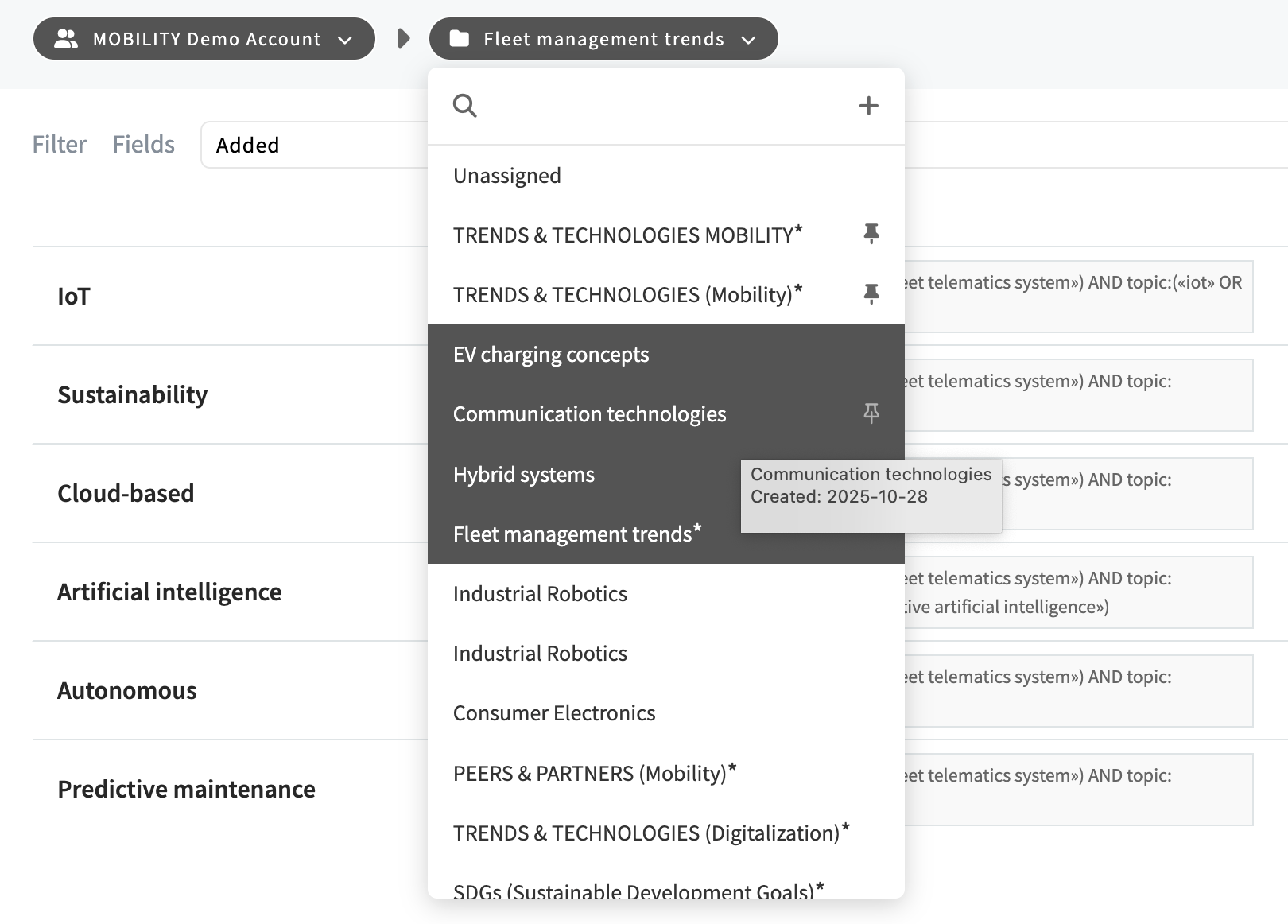
We have implemented a short-term solution to give you a quick way to select multiple folders and move them to a different SCOUT Group.
Holding down the Shift key while clicking a folder in the folder dropdown menu allows you to select all entries between your active folder and the clicked folder, provided the current folder isn't set to "Unassigned."
To prevent conflicting actions, the "Edit folder" icon will automatically hide whenever multiple folders are selected.