.svg)

We’ve introduced an improvement that makes navigating and connecting information inside your SCOUT projects much smoother.
Many users want to link directly to other pages within the same SCOUT project. For example, referencing a “Technology Overview” from a “Trends Summary” page.
However, these links didn’t behave correctly when the project was shared.
We’ve now fixed the issue and simplified the linking workflow.
Internal project links now work in shared Projects
Links between pages inside the same project will now remain valid for all viewers, including users who receive the shared project link.
Simpler linking via “Copy link”
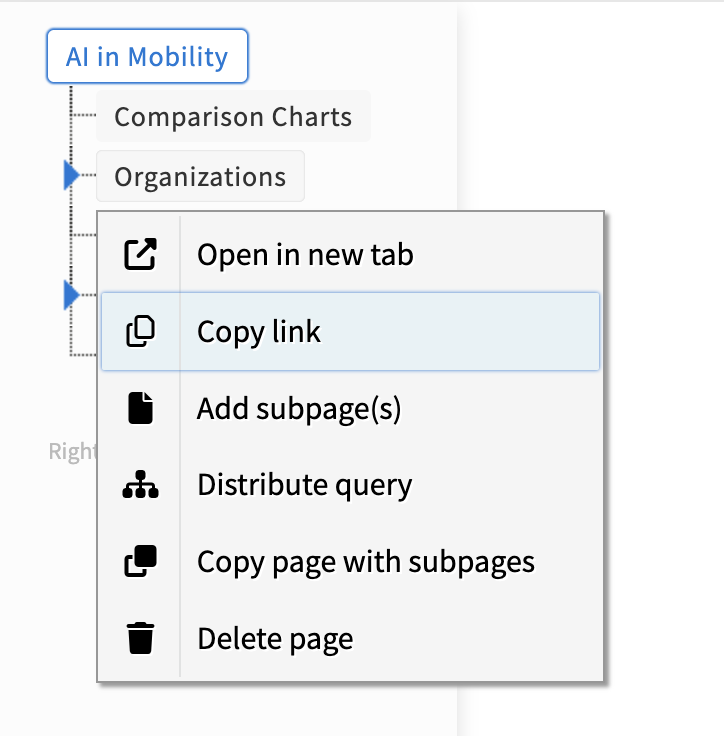
You can now simply right-click any page in the Project sidebar and select: “Copy link”
This copies the correct project-internal link automatically, so you can paste it where needed.