

.svg)

Getting started with SCOUT Assistant
The SCOUT Assistant is your new generative AI companion designed to make exploring the Innovation Graph faster, easier, and more intuitive. Through a conversational interface, SCOUT Assistant helps you surface deep market insights, map competitive landscapes, and identify emerging technologies without needing search queries.
SCOUT Assistant is currently in Beta. Your feedback is crucial to helping us improve.
You can easily share your thoughts by clicking the Send feedback link located right below the message box.
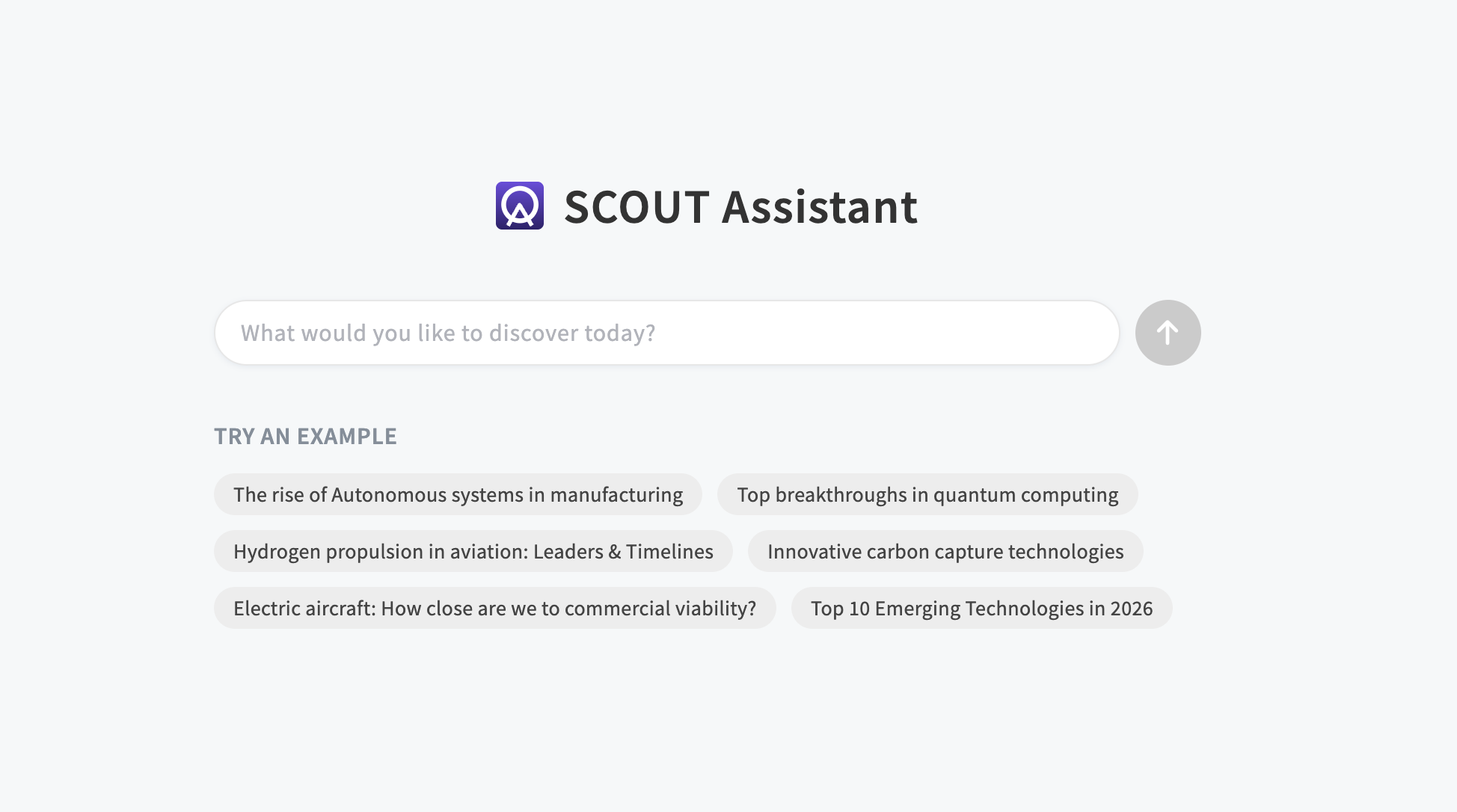
Interacting with the Assistant
SCOUT Assistant doesn't just give you text; it delivers information in the format that makes the most sense for your analysis, including dynamic panels, rankings, rich text, and structured tables.
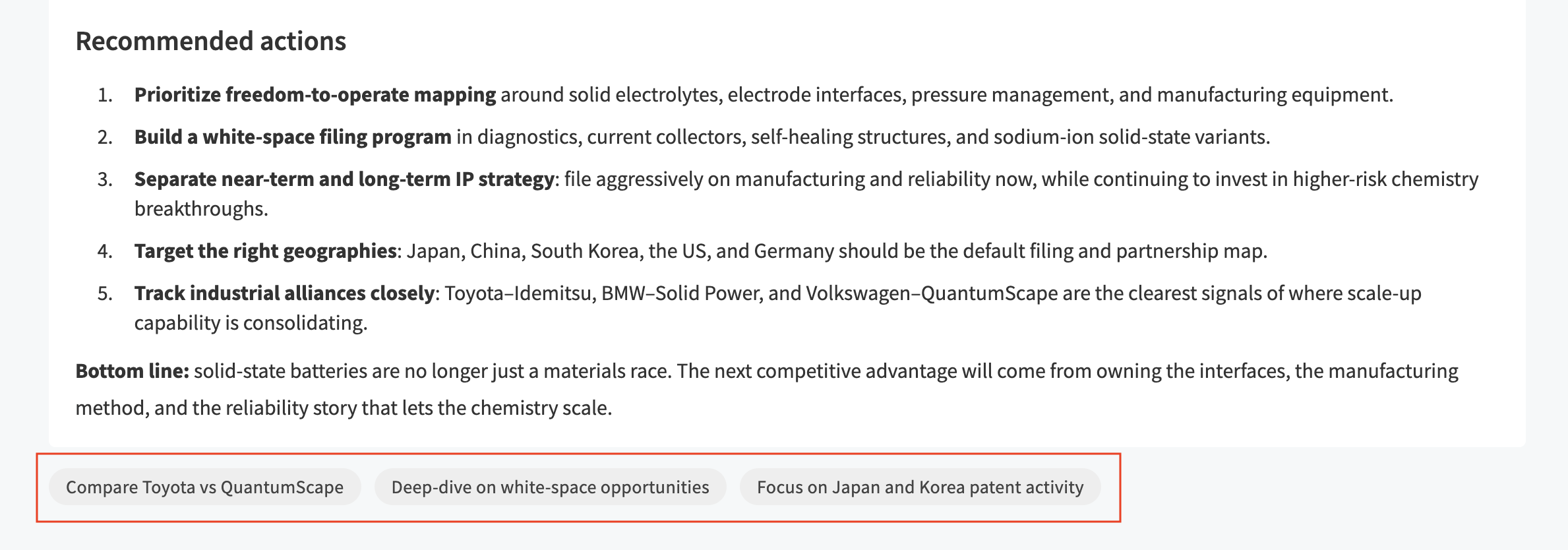
- Suggested action buttons: Below every response from the Assistant, you will find contextual buttons suggesting the next logical steps for your analysis. Feel free to click these to dive deeper, or simply type your own follow-up questions.
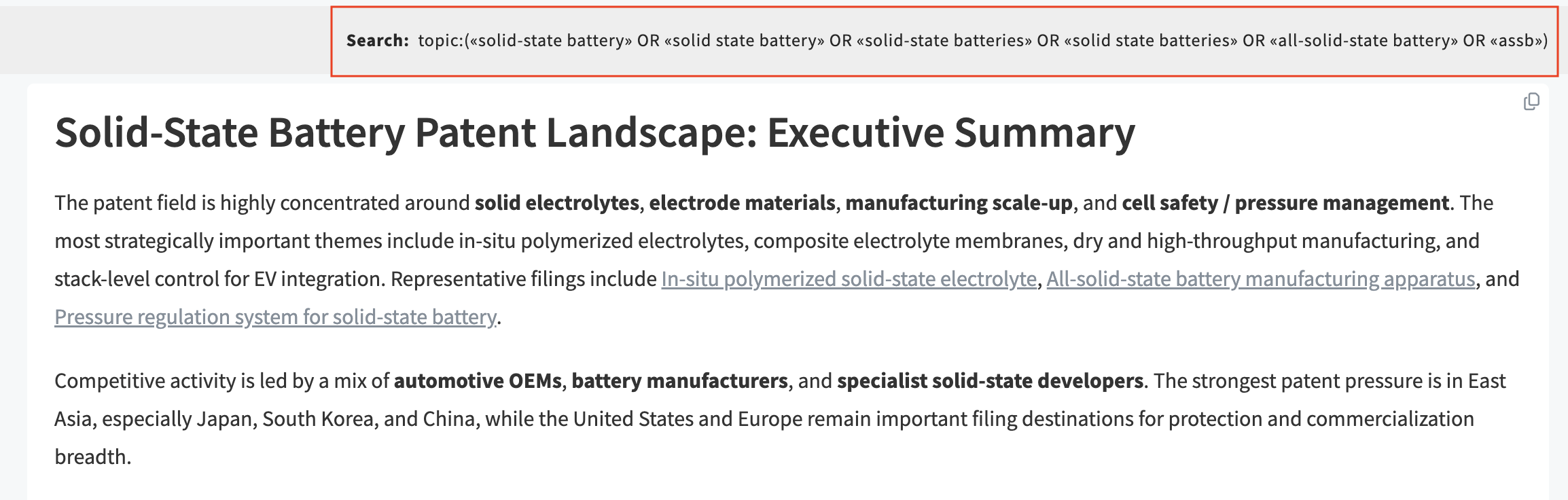
- Launch to SCOUT Hub: You can click on the query at the top of your message to instantly launch it into the SCOUT Hub, where you can interact with all panels.
Key use cases & example questions
SCOUT Assistant is versatile and adapts to your strategic needs. While its capabilities are vast, here are some of the primary use cases along with example questions to get you started:
- Competitor analysis in areas of interest. Understand who the key competitors are in specific areas and what they are focusing on. This includes their technologies, products, strengths, and strategic direction.
Example: "Who are the top 5 competitors in the hydrogen fuel cell market, and what are their primary technological strengths?" - White spots analysis. Identify technologies outside the scope of company portfolio and identify opportunities.
Example: "Analyze the current drone delivery ecosystem and identify any technological gaps or white spaces not heavily occupied by major players." - Identification of future trends.Identify macro and micro trends shaping industries like energy, materials, or digitalization.
Example: "What are the emerging micro-trends in bio-based packaging materials for the food industry over the next 3–5 years?" - Application identification.Identify application of the technology mentioned and its use cases in the industry.
Example: "What are the potential industrial applications of graphene outside of electronics and energy storage?" - Search for competitors' technology. Identify which technologies competitors are investing in, developing, or prioritizing.
Example: "Which specific carbon capture technologies is [Competitor X] heavily investing in or patenting recently?" - Technology of interest. Track adoption, maturity, and evolution of specific technologies relevant to strategic priorities.
Example: "Track the maturity curve and adoption rate of quantum computing in financial risk modeling." - Industry of interest tracking. Understand how different industries are evolving and where opportunities or disruptions may arise.
Example: "How is the maritime shipping industry evolving in response to new digitalization demands?" - Competitor assessment for grants & funding. Understand which companies are receiving funding, grants, or subsidies and why.
Example: "Which European startups received government grants for recycling EV batteries in the last 12 months?" - Research on niche topics. Explore and deep-dive into highly specific, emerging, or specialized areas of technology and markets to identify unique opportunities, sustainable solutions, or custom use cases.
Example: "What are the current commercial use cases for repurposing second-life EV batteries into stationary grid storage?" - Startup ecosystem monitoring. Identify innovative startups that could become competitors, partners, or acquisition targets.
Example: "List active seed-stage startups developing generative AI tools for drug discovery in Europe." - Partnership & supplier mapping. Understand strategic alliances between companies to identify strategic partners and suppliers.
Example: "Map the primary strategic partnerships and supply chain alliances in the autonomous vehicle sensors market." - Regulatory & policy monitoring. Track regulations, standards, and government initiatives that impact industries and technologies.
Example: "What recent EU regulatory updates or policy changes affect the deployment of offshore wind energy?" - PESTLE / STEEP analysis. Understand the external environment in which a business operates by analyzing the major factors that can influence its strategy, growth, risks, and opportunities. It helps organizations look beyond internal capabilities and focus on external forces such as politics, economy, society, technology, environment, and legal aspects that shape industries and markets.
Example: "Conduct a PESTLE analysis for the commercial adoption of vertical farming in North America." - Risk assessment and analysis. Produce a risk report and list of future risks for a particular company or product.
Example: "Provide a strategic risk report highlighting the future supply chain and technological risks for [Company Y]."
Creating projects from the Assistant
You can seamlessly turn your research from a conversation into a project directly through the Assistant.
- Ask or click: You can explicitly ask the Assistant to create a project (e.g., "Create a project from this analysis"), or simply click the Save insights to project option that appears as a suggested action button below the message.
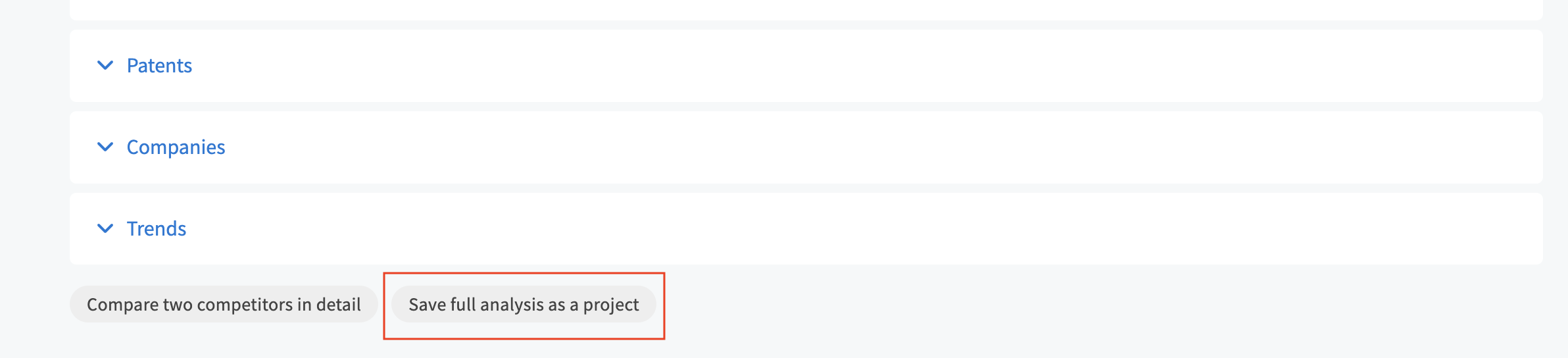
- Select destination: A pop-up window will appear allowing you to select exactly where you want to save your new project.
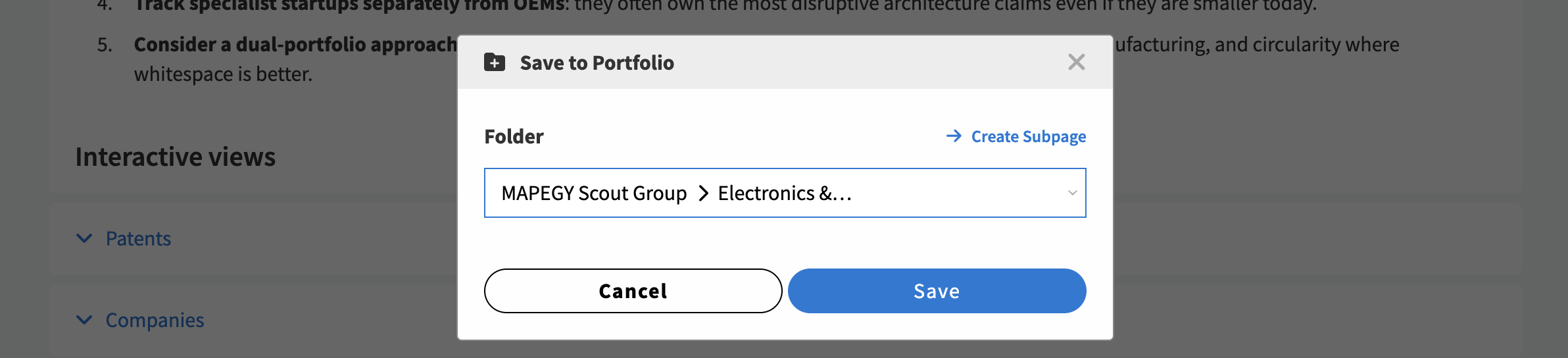
- Navigate instantly: Once saved, a blue button will appear inside the assistant chat. Click it to be automatically redirected to your newly created project workspace.

Use it to learn how to use SCOUT
SCOUT Assistant also functions as an internal support tool to help you master the platform itself.
You can ask questions at any time to better understand features, get usage tips, or navigate the interface.
You can use it to:
- Understand platform features. Ask about specific tools like the Portfolio table, Radar, or Matrix to learn what they do and how to use them.
- Discover tips and best practices. Ask for recommendations on how to structure your research or optimize your workflow within the platform.
How to write an optimized prompt
To get the best results from SCOUT Assistant, the depth of your prompt matters. While simple questions work well for quick facts, providing context, details, and clear expectations will unlock much richer insights.
When structuring your prompt, try to include:
- Your role & persona: Who are you and what is your perspective?
- Context & objective: What business problem or strategic opportunity are you evaluating?
- Specific criteria: What parameters (timeframes, regions, technologies, competitors) should the AI focus on?
❌ Basic prompt (Good for quick checks)
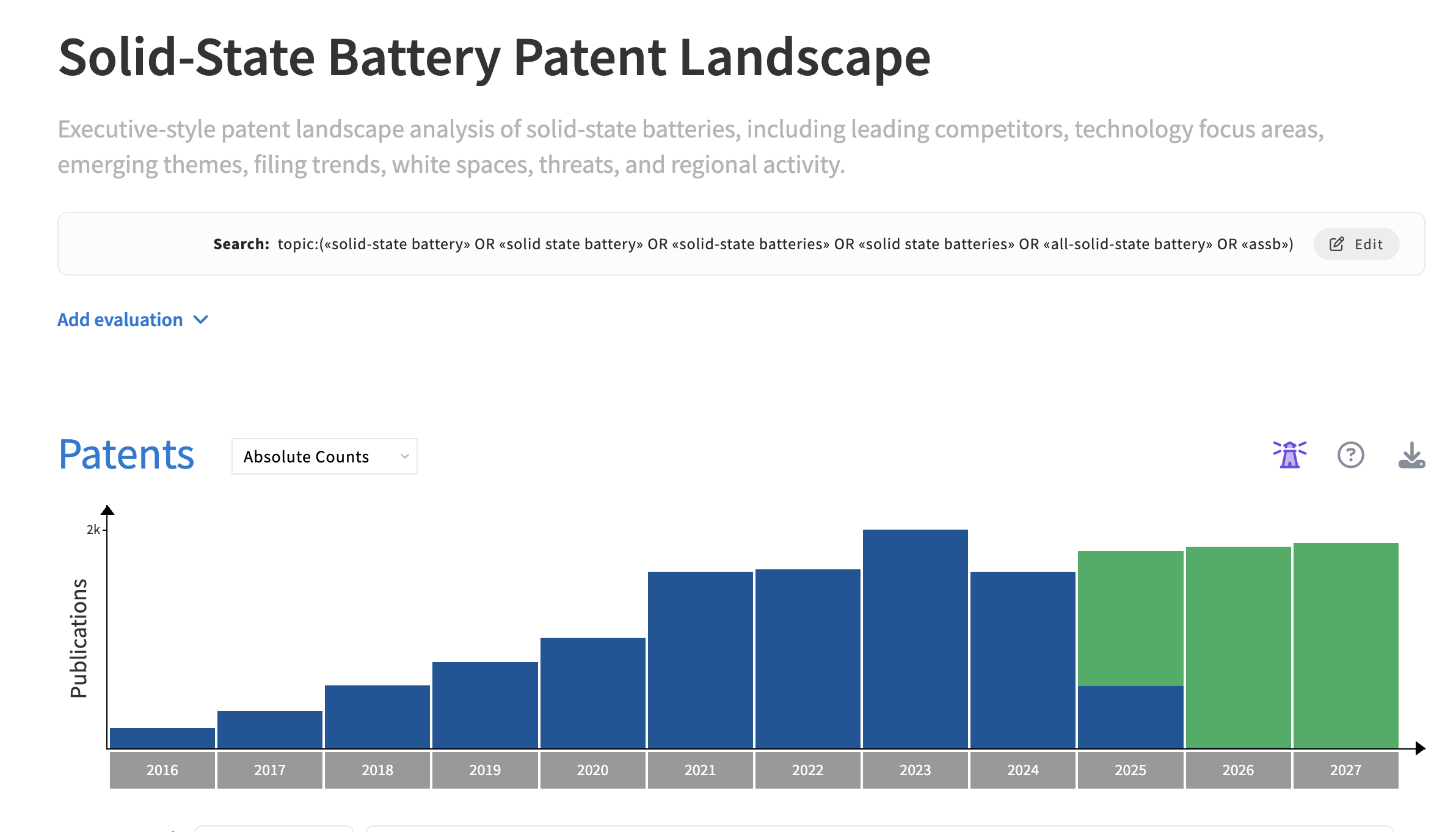
"Find patents related to solid-state batteries."
✅ Optimized prompt (Best for deep, actionable insights)
"I am a Strategy Manager working for X company evaluating opportunities in advanced energy storage. My objective is to understand the competitive patent landscape for solid-state batteries. Analyze the patent portfolios of leading competitors, identify key technology focus areas, emerging innovation themes, and filing trends over the last 5 years. Highlight white-space opportunities, potential threats, and regions with the highest innovation activity. Present your findings in an executive-style summary with strategic implications and recommended actions."
Daily credit budget
To ensure optimal performance and fair usage, your account is allocated a daily budget by default. The default allowance is 500 credits per day (resets daily).
The SCOUT Assistant features consume 1 credit per action: Each message sent to the AI assistant, generation of an AI analysis in panels, and generation of thumbnail in projects.
Need a higher limit? If your team requires an increase to your daily credit budget, please reach out to us. You can request an increase via the Send feedback link directly in the chat or by contacting your dedicated Customer Success Representative.